
How to Prevent Instagram Bans and Keep getting Reach
Cover your links with TeasyLink
6 account related triggers that catch Instagram's attention
Explicit or suggestive visuals
Top 1 reason for restrictions is content Instagram considers too revealing. The platform is strict about nudity and sexual undertones. Be neutral as possible.

Reposting identical content across accounts
Uploading the same videos or images from multiple profiles is a red flag for Instagram
Multiple accounts on the same device or IP
When one profile gets flagged, every account tied to the same device, phone number, or IP address can be affected.

Trigger words and emojis in bio or captions
Instagram monitors everything you write on profile including emoji

Meta knows you are using AI and detects it
Tools like Nano Banana mounts invisible watermark on images (SynthID). ComfyUI leaves specific meta-data.
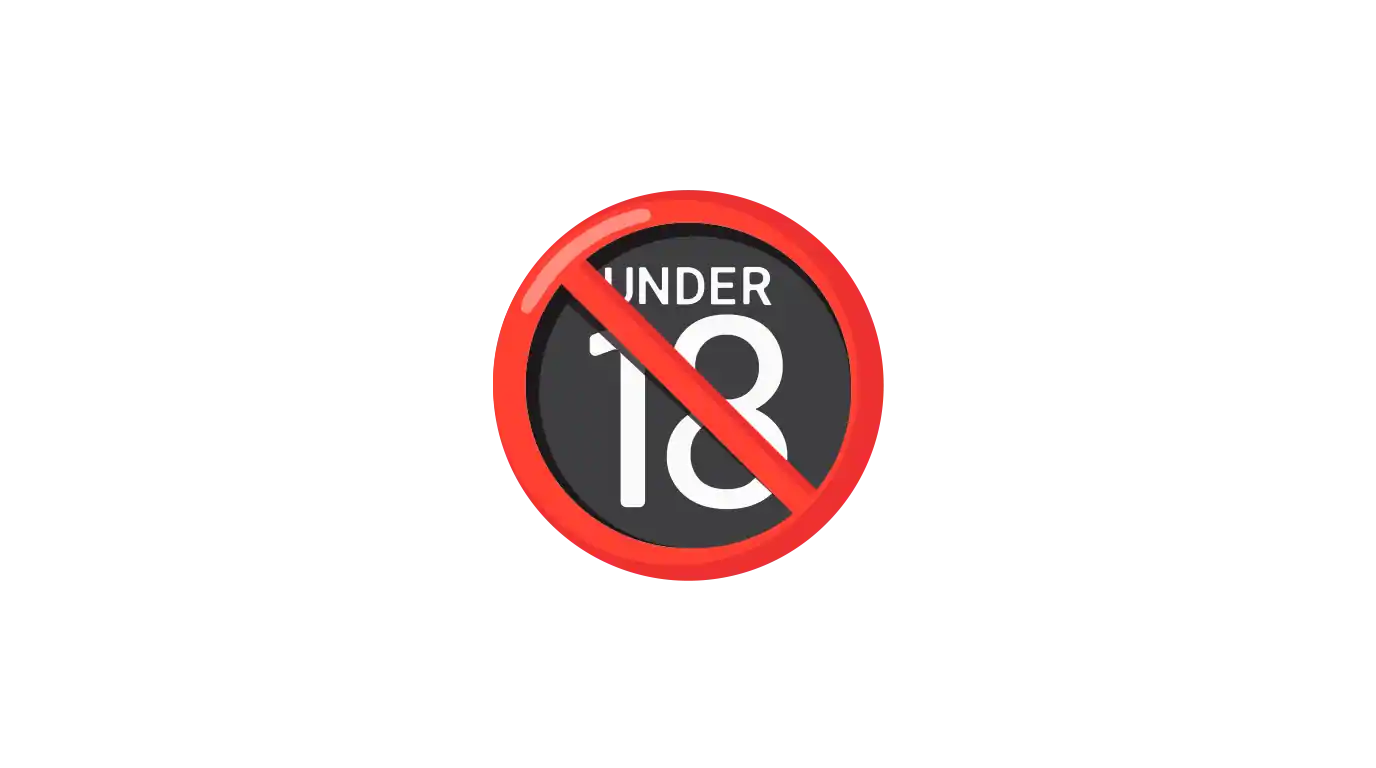
No 18+ mark on your profile
It must be added in profile settings. (Creator or Business accounts only)
3 link related triggers that lead to bans

Redirect to a platform with no protection
A link that sends users straight to the destination without any protection layer is easy for Instagram's bots to scan.
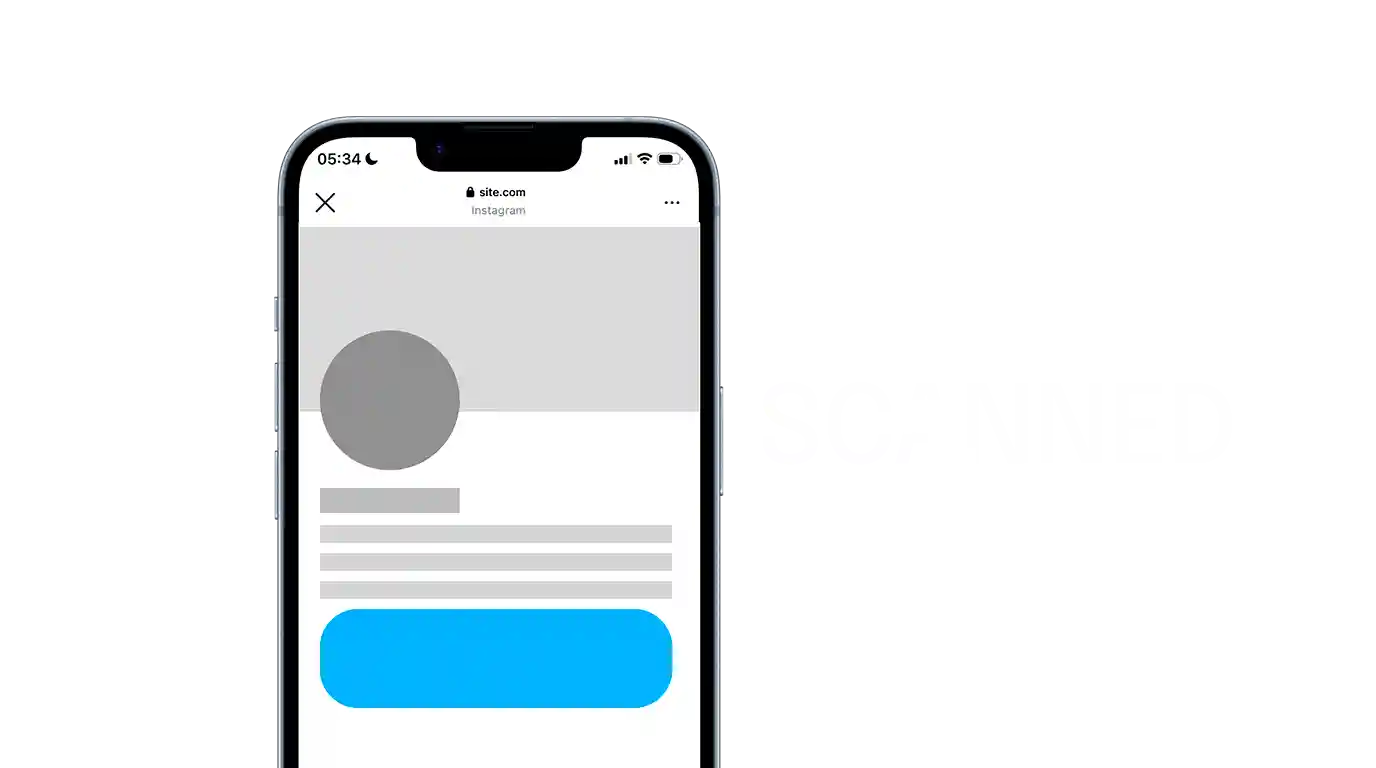
The destination opens inside the in-app browser
By default Instagram opens links inside it's browser so it can scan destination without any problems. That's why we strongly recommend to enable Deeplink on your Teasylinks to pull user out from in-app cage.

You added a link in bio too soon after creating an account
Do not do it within the first week after registration. Meta hates links.
Enable Bot Dome
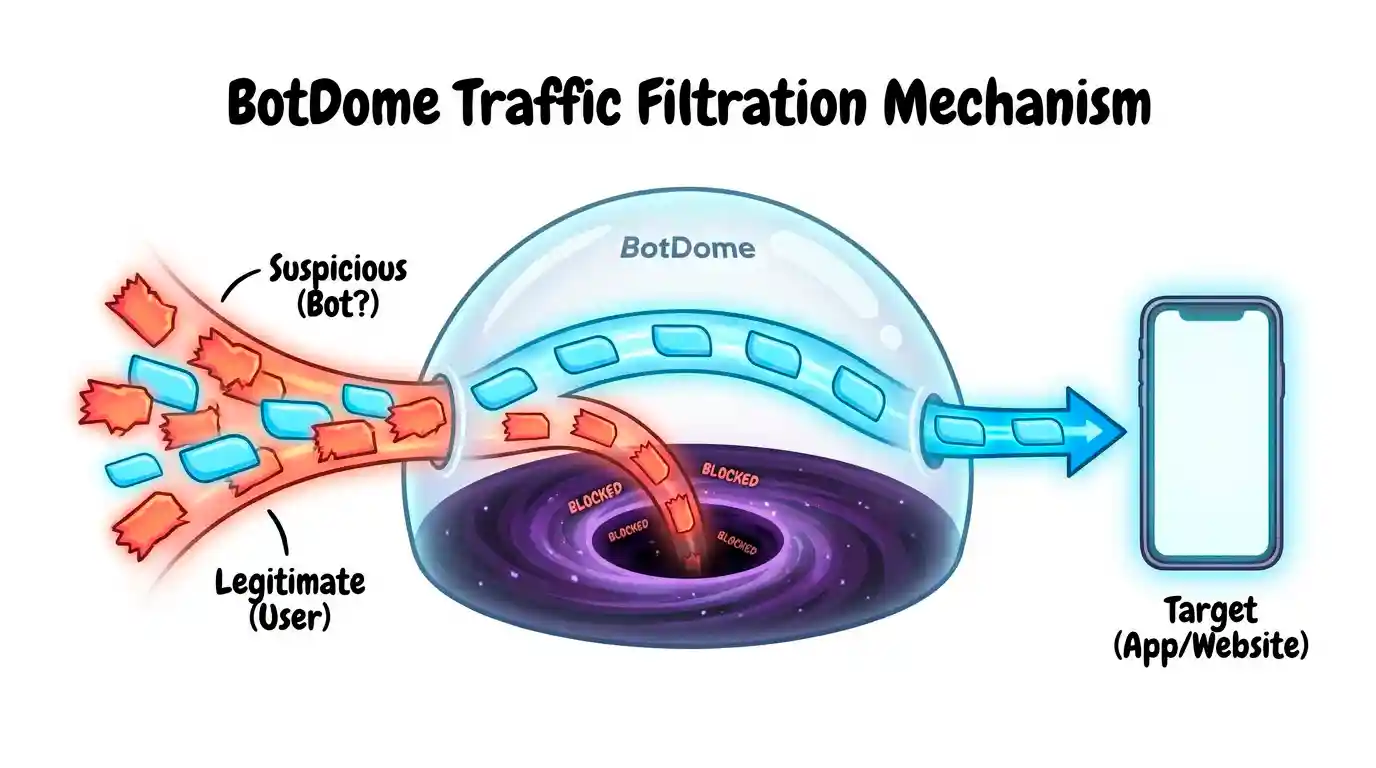
Bot Dome it's one of the TeasyLink's technologies aimed at protecting your sites from suspicious traffic, Meta's robots, VPN users, and more.
Why Deeplink is
important?
For the beginning.
What is a Deeplink?
It pulls your viewers out from the in-app browsers.
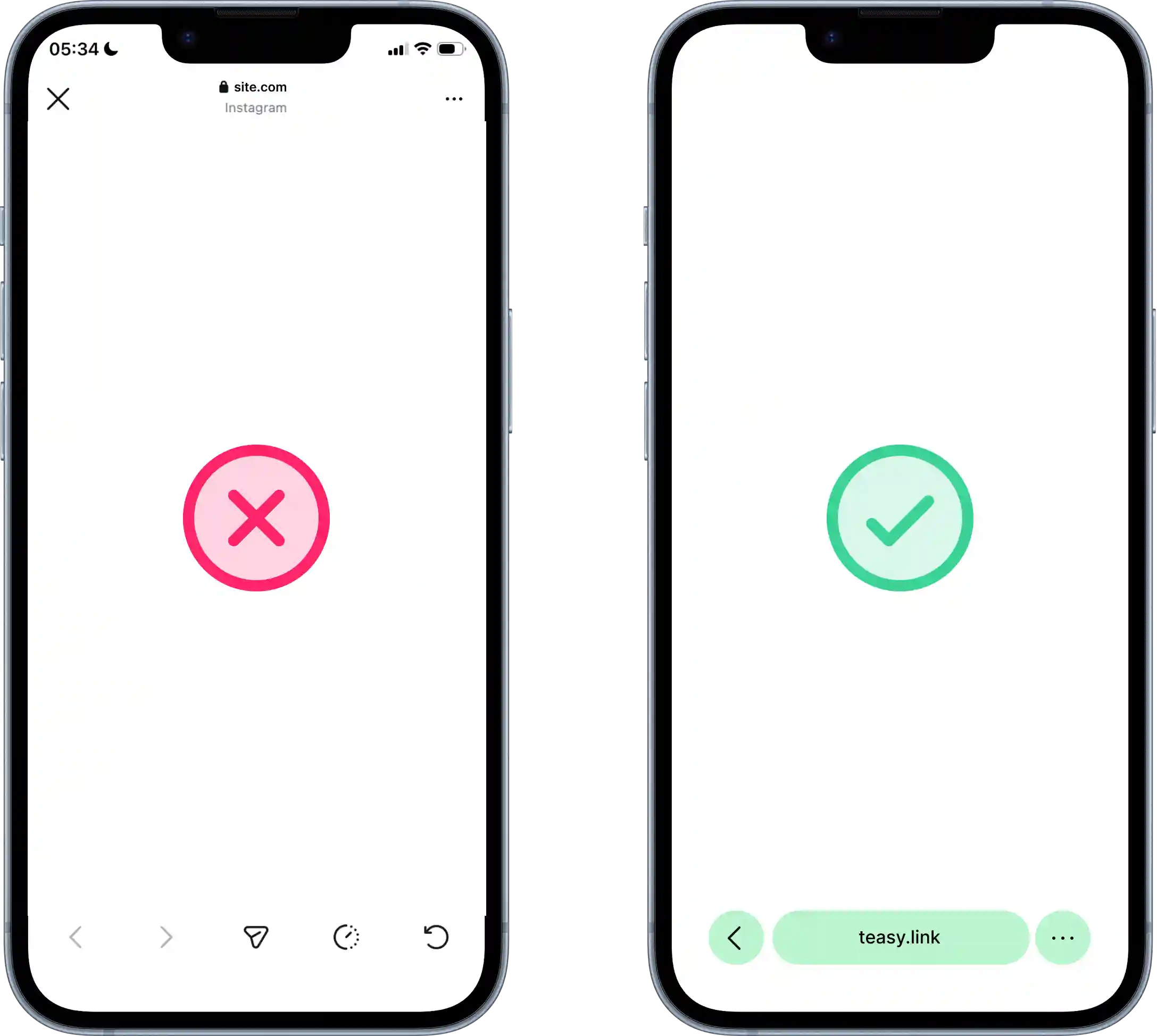
Deeplink pulls viewers out from the in-app browser to system one so all of viewer's accounts could be used.
Because of your pages will be opened not inside in-app browsers it could not be scanned and flagged.
You just created Instagram account?
If you just created it you can follow these steps:
Keep realistic user's behaviour. Scroll feed, like posts and comments. No spam-actions or «3 likes per day».
Start posting content before you add a link in bio.
Wait at least a week before adding any link to your bio.
The Instagram team is pretty smart guys, otherwise everything would be so simple. Algorithms change and become more complex all the time (and often without warning). Content creators should take this into account. We're doing our best, and these tips can help, but they're not a panacea or a magic pill - keep that in mind.
Developer of TeasyLink